
100% Free
Your Lights, Automatic
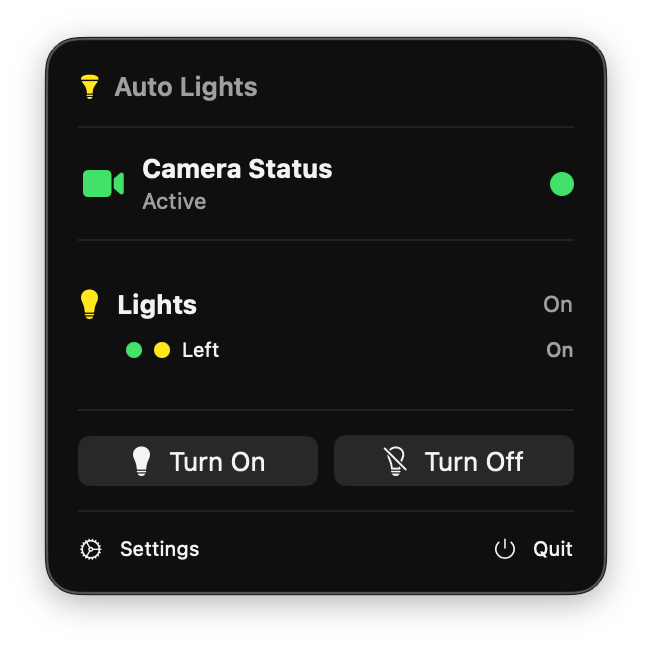
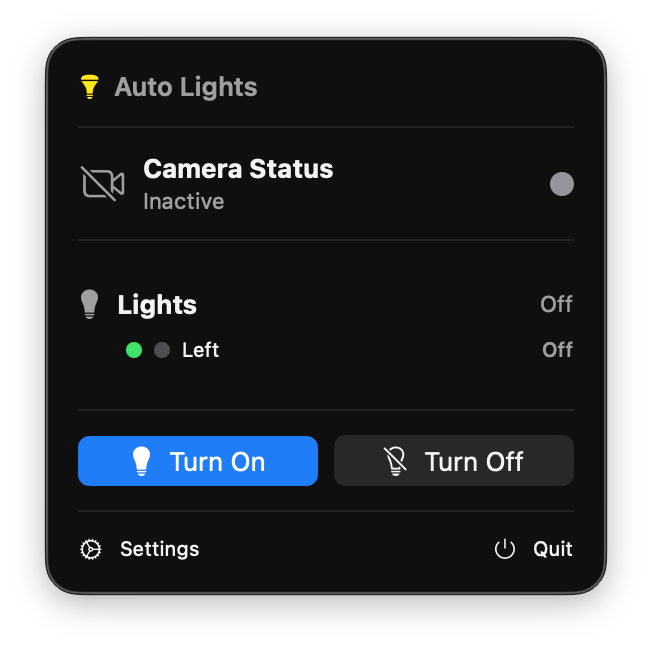
Camera on? Lights on. Camera off? Lights off. Auto Lights detects when any app uses your camera and instantly controls your Elgato Key Lights or any HTTP-controlled smart light.
Camera on? Lights on. Camera off? Lights off. Auto Lights detects when any app uses your camera and instantly controls your Elgato Key Lights or any HTTP-controlled smart light.
Set it up once and forget about it. Auto Lights handles everything automatically so you can focus on what matters.
Uses macOS system APIs to detect camera activity in real-time. Works with any app: Zoom, FaceTime, OBS, and more.
Native support for Elgato Key Light, Key Light Air, and Key Light Mini. Control brightness and color temperature.
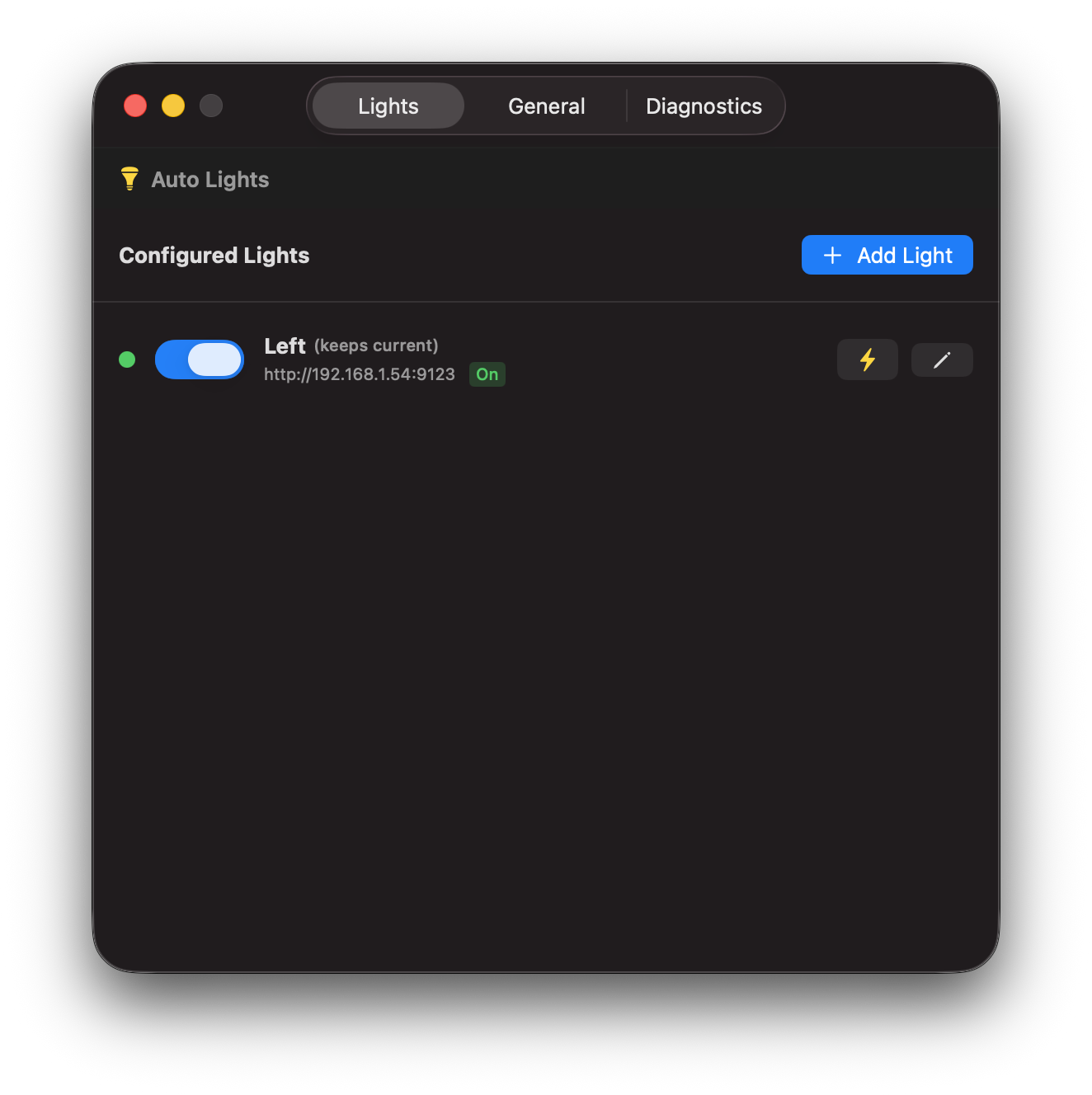
Works with any light that accepts HTTP requests. Fully customize the URL, method (GET/POST/PUT), and JSON payload for on and off actions.
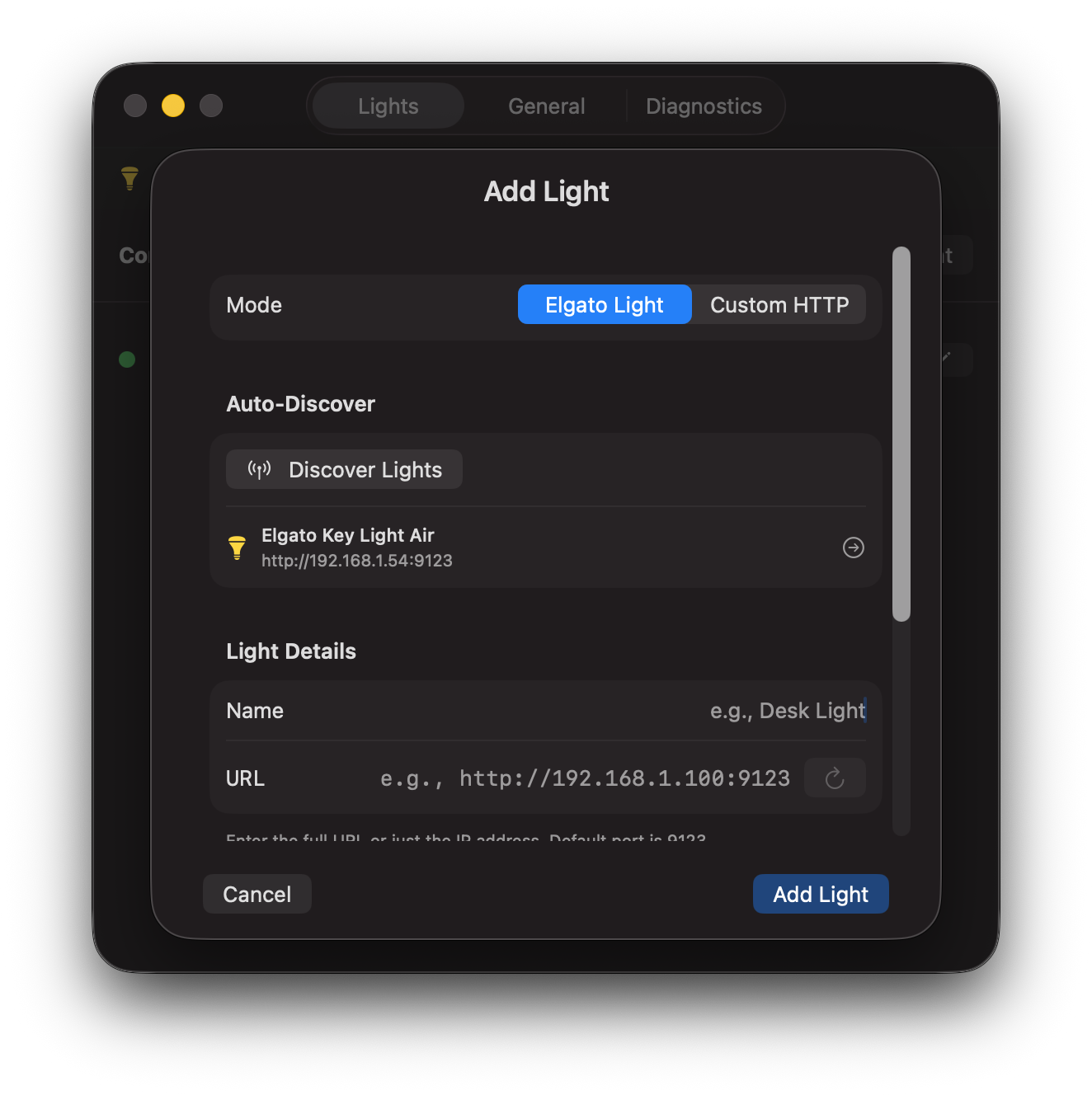
Automatically finds Elgato lights on your network. No IP addresses or manual setup required.
Lives quietly in your menu bar. One click to see status, control lights manually, or adjust settings.
Starts automatically when you boot your Mac. Always ready when you need it.
Get set up in under a minute
Download Auto Lights from the Mac App Store and launch it.
Click "Add Light" and Auto Lights will find your Elgato lights automatically.
That's it. Your lights will now turn on and off with your camera.
A beautiful, native macOS experience
Whether you're streaming to thousands or joining a team standup, Auto Lights has you covered.
Focus on your content, not your lighting setup. Auto Lights ensures you're always perfectly lit when you go live.
Look professional on every video call without thinking about it. Join meetings confidently knowing your lighting is handled.
Download Auto Lights for free and never worry about your lighting again.
Download Free on the Mac App Store